3D and immersive experiences
Test whether a spatial view or interaction helps someone understand a product, place or task.
Prepare my project briefThe practical outcome
A testable spatial prototype with a clear use case, platform and accessible alternative.
3D in a browser, a captured tour, AR and interactive VR serve different needs. We choose one audience, one purpose and a target platform, then check assets, permissions and device availability. A focused prototype lets users try the idea before broader production, capture or hardware commitments.
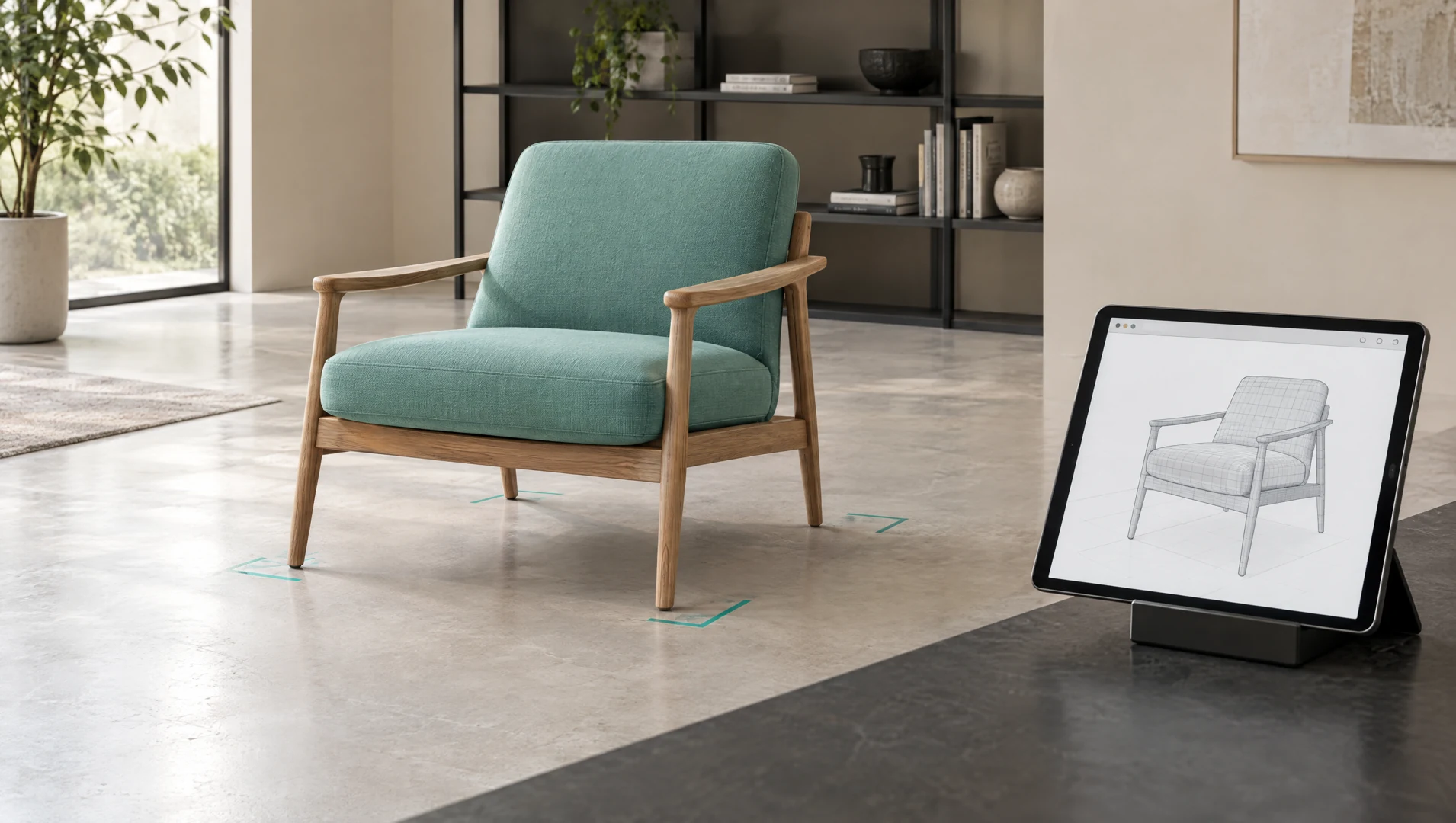
Understand the object in its space.
One spatial scene lets a person inspect shape, placement or an interaction before broader production.
 From input to outcome
Original concept filmAn explanation of the service. Not a client case study.
Let a visitor inspect a model on an ordinary screen with a clear purpose and controls.
Input
Check model rights, detail and suitability for the target browser.
Decision
Prototype a useful view or interaction with readable instructions.
Result
Test whether users understand the object, with images and descriptions as an alternative.
Explore how a digital object fits a scene before committing to additional assets or hardware.
Input
Define the object, target setting and device constraints.
Decision
Prototype how the object is positioned or inspected in the chosen scene.
Result
Use the preview to discuss placement; it is not a measured survey.
Prototype one scene to help someone understand a place or a defined interaction.
Input
Identify the question the scene should answer and the available authorized content.
Decision
Prototype one route or interaction with a conventional way to access the information.
Result
Observe users before choosing more scenes, capture or specialized hardware.
What the work can include
- Experience outline for one scene or product and a defined interaction
- Asset, license and target device checklist
- Scoped prototype and practical user testing criteria
- Fallback content, delivery notes and production recommendations
Boundaries to agree on
- Capture, modeling, hardware and media production are included only when expressly scoped.
- A visual preview is not a measured survey, safety simulation or validated training certification.
- Device support, accessibility and specialist capacity are verified before committing to delivery.
A clear path through the work.
Our approachCheck assets and prototype one interaction on the target platform.
Observe users and decide whether broader production is justified.
Make the direction tangible.
Internal demonstration
Spatial preview
An internal visual interaction demo with an abstract object. Adjust width, height and viewing angle to inspect form and proportion in a browser. The values describe the illustration; they are not physical measurements or an AR placement.
Immersive planningChoose a 3D view, AR or VR for the task
Let the question, device and environment determine the experience before choosing a format.
Immersive planningPrepare assets and rights for an immersive prototype
Separate usable source material, missing production work and permission to publish.
Before your next step
Useful answers. Clear expectations.
Understand the starting point, the review and the scope before sharing a request.
What is the difference between 3D, AR and VR?
A browser 3D view lets a visitor inspect a model on a screen. AR can place digital content within a view of a real setting on supported devices. VR places the user within a virtual experience, often using a headset. The task and target device should determine the choice.
When is an immersive prototype useful?
It may help when shape, scale, placement or an interaction is difficult to explain with ordinary content. Start with a question a user must answer, such as how an item fits in a scene. Compare a simple image or video before investing in immersion.
What assets must we provide?
Depending on the experience, we may need reference images, models, measurements, textures or captured media with documented permission. We review their condition and target platform suitability. Asset creation and capture are included only when expressly listed in the scope.
Does every experience require a headset?
No. A 3D browser preview or captured tour may work on an ordinary screen. AR and VR have specific device and environment requirements that must be checked. We should not require specialized hardware when a simpler view answers the user’s question.
Is a captured tour the same as an interactive simulation?
No. A captured tour represents a recorded location with defined navigation. A simulation needs modeled behavior and interactions. Neither should be presented as a certified training tool, precise survey or safety assessment without the separate validation that purpose requires.
How can people use the content without the immersive view?
We scope a practical alternative such as images, descriptions, specifications or a conventional walkthrough. Keyboard controls, readable instructions and motion preferences are reviewed for the chosen interface. Accessibility needs affect the design and are not satisfied by a 3D view alone.
Do the demos show completed client projects?
The demos on this site are labeled internal demonstrations using illustrative scenarios. They help explain a workflow or interaction and its limits. They are not client endorsements, measured outcomes or proof of a production deployment.
What must be checked before broader production?
Confirm asset rights, capture or modeling requirements, device access, user testing and specialist capacity. The proposal separates prototype work from additional scenes, production media and hardware. A successful preview supports a decision; it does not establish demand or guaranteed results.
Your next moveStart with the work.
Start with the work.
Make the next step clear.
Describe what your team needs to improve. Explore a direction and prepare a brief you can review.
Prepare my project briefExploring does not send a request. You choose when to share it.